Master Docker for Seamless Development Workflows | Elsy Solutions
Updated August 31, 2026 · 6 min read
Master Docker for Seamless Development Workflows
In the dynamic world of software development, consistency, efficiency, and reliability are paramount. At Elsy Solutions, we understand that building high-quality custom software for our clients across the US and Sri Lanka demands robust tools and practices. This is where Docker, the industry-leading containerization platform, shines, transforming how development teams build, ship, and run applications.
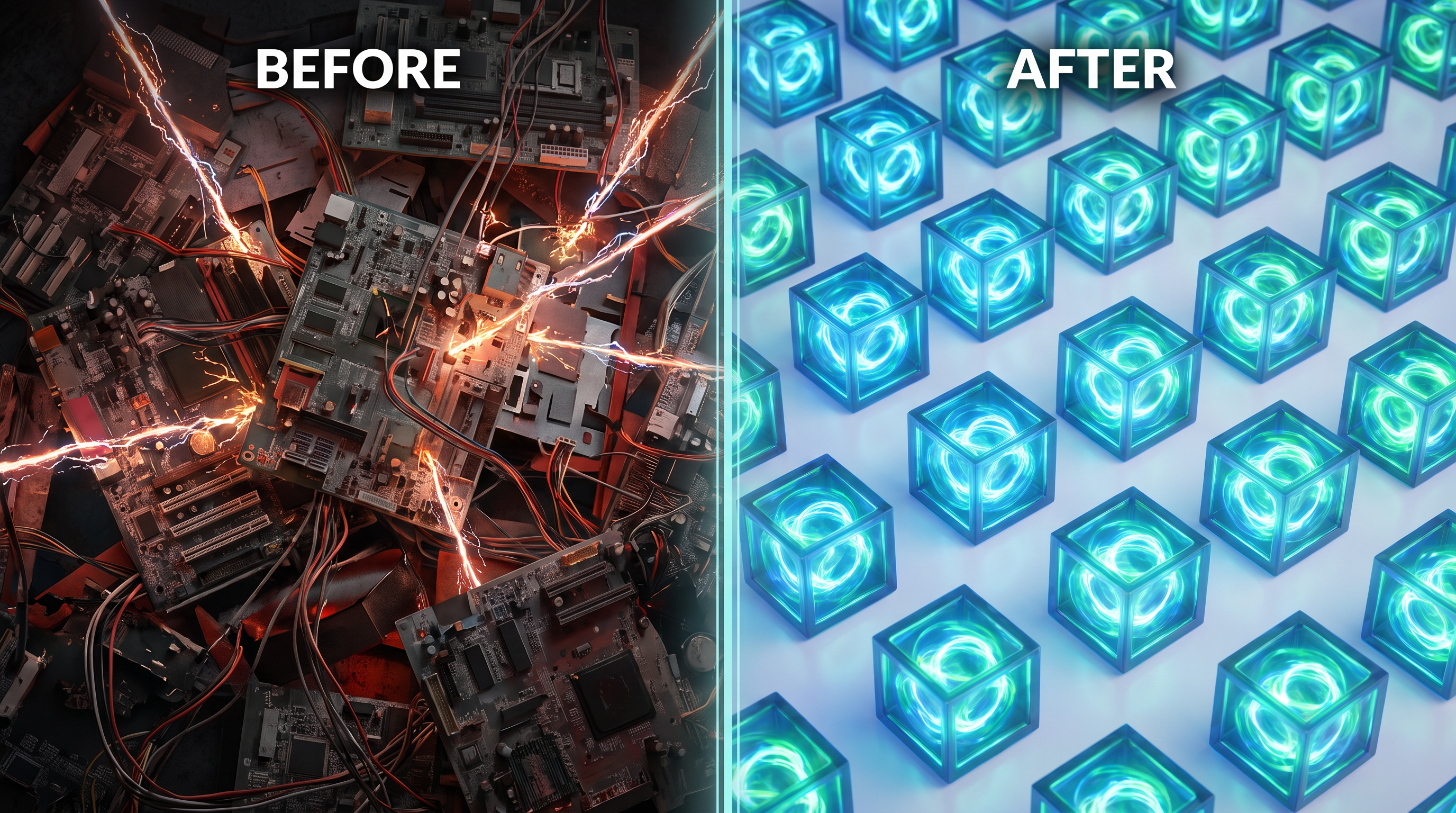
Docker isn't just a buzzword; it's a fundamental shift in how we manage development environments and deploy applications. By packaging applications and their dependencies into standardized units called containers, Docker solves many of the "it works on my machine" problems that have plagued developers for decades. Let's dive into how mastering Docker can lead to truly seamless development workflows.
Why Docker? The Core Benefits for Modern Development
The advantages of integrating Docker into your development lifecycle are numerous and impactful, benefiting both individual developers and entire organizations.
Unparalleled Consistency
Docker containers encapsulate everything an application needs to run: code, runtime, system tools, libraries, and settings. This ensures that an application behaves identically regardless of where it's run – be it on a developer's laptop, a QA server, or a production environment. This consistency is a cornerstone of reliable custom software development, drastically reducing environment-related bugs and integration issues.
Superior Isolation
Each Docker container runs in isolation from other containers and from the host system. This means you can run multiple applications, or even different versions of the same application, side-by-side without dependency conflicts. Need to test with an older database version? Spin up a container. Want to experiment with a new framework without polluting your local machine? Docker makes it trivial.
Exceptional Portability
Docker containers are highly portable. A container built on a developer's machine can be effortlessly moved and run on any other Docker-enabled system, whether it's a cloud server, an on-premises data center, or another developer's workstation. This portability accelerates the journey from development to testing to production, streamlining your entire CI/CD pipeline.
Enhanced Efficiency and Resource Optimization
Containers are lightweight and start quickly, consuming fewer resources compared to traditional virtual machines. This efficiency translates to faster development cycles, quicker testing feedback, and optimized server utilization. For new team members, onboarding becomes a breeze; instead of spending days configuring development environments, they can often get up and running with a single command.
Docker in Action: Practical Use Cases for Developers
For individual developers, Docker introduces a host of practical advantages that directly impact daily tasks and productivity.
Effortless Development Environment Setup
Imagine starting a new project and instantly having all necessary services – a PostgreSQL database, a Redis cache, a Node.js backend, and a React frontend – up and running with a single command. Tools like Docker Compose allow you to define multi-container applications in a simple YAML file. This eliminates tedious manual installations and configuration, letting you focus on coding from day one.
Reliable Local Testing and QA
Docker enables you to create local environments that precisely mirror your production setup. This means you can test your code against the exact versions of dependencies and configurations that will be used in deployment, catching environment-specific bugs long before they reach your users. This level of parity is crucial for delivering high-quality custom software solutions.
Streamlined Dependency Management
Say goodbye to "dependency hell." With Docker, each project can have its own isolated set of dependencies, preventing conflicts between different projects on your machine. You can pin specific versions of libraries, runtimes, and databases within your container images, ensuring that your application always has the correct environment.
Accelerated Onboarding for New Team Members
Bringing new talent into a project can often involve a steep learning curve for environment setup. With Docker, a new developer can clone a repository, run a `docker-compose up` command, and have a fully functional development environment in minutes, significantly reducing ramp-up time and increasing team productivity.
Beyond the Code: Actionable Takeaways for Business Leaders
While developers reap immediate benefits, business leaders also gain significant strategic advantages by adopting Docker.
Reduced Time-to-Market
By standardizing environments and streamlining deployment, Docker accelerates the entire software delivery pipeline. This means features and updates can reach users faster, giving your business a competitive edge. For custom software development projects, this agility translates directly into quicker delivery of value to clients.
Improved Collaboration and Team Cohesion
When everyone works in identical environments, collaboration becomes smoother. Debugging "works on my machine" issues is minimized, and teams can focus on problem-solving rather than environment configuration. This fosters a more productive and harmonious development culture.
Significant Cost Savings
Docker's lightweight nature leads to more efficient use of infrastructure resources, potentially reducing hosting costs. Furthermore, by catching bugs earlier and reducing environment-related issues, businesses save on costly debugging and rework, ultimately lowering the total cost of ownership for their software products.
Enhanced Reliability and Stability
The consistent nature of Docker containers leads to more predictable application behavior. This reliability translates into fewer production incidents, higher uptime, and a better user experience, safeguarding your brand reputation and customer satisfaction.
Strategic Agility in Custom Software Development
In the fast-evolving Florida tech landscape, businesses need to be agile. Docker empowers organizations to quickly adapt to new technologies, scale operations, and pivot strategies without being bogged down by complex infrastructure challenges. This flexibility is invaluable for Elsy Solutions as we craft bespoke solutions tailored to unique client needs.
Getting Started with Docker: Your First Steps
Embarking on your Docker journey is straightforward. Start by installing Docker Desktop for your operating system. Once installed, you can begin by pulling public images from Docker Hub (e.g., a database or a web server) and running them as containers. Gradually, you'll learn to create your own `Dockerfile`s to define custom images for your applications and use `docker-compose` to orchestrate multi-service applications. Numerous online tutorials and documentation are available to guide you through each step.
Elsy Solutions' Perspective on Docker
At Elsy Solutions, we integrate Docker into our core custom software development practices. From initial project setup to continuous integration and deployment, Docker plays a pivotal role in ensuring that the solutions we build are robust, scalable, and maintainable. Our teams in the US and Sri Lanka leverage Docker to foster collaboration, reduce environment discrepancies, and accelerate delivery, embodying the innovative spirit of the Florida tech community.
Embrace the Container Revolution
Docker is more than just a tool; it's an ecosystem that fundamentally improves the software development lifecycle. By adopting containerization, developers gain unprecedented control over their environments, and business leaders unlock new levels of efficiency, reliability, and strategic agility. Embrace Docker, and transform your development workflows into seamless, predictable, and highly productive pipelines.
Frequently Asked Questions
What is Docker containerization?
Docker containerization packages an application and its dependencies into a standardized unit called a container. This ensures the application runs consistently across any environment, from development to production, by isolating it from the host system.
Why use Docker for development workflows?
Docker streamlines development by providing consistent environments, eliminating "it works on my machine" issues. It speeds up setup, facilitates collaboration, and simplifies deployment, allowing developers to focus on coding rather than environment configuration.
How does Docker improve team collaboration?
Docker improves collaboration by ensuring all team members work with identical development environments. Developers can easily share containerized applications, reproduce bugs, and integrate new features without environment-related conflicts, leading to smoother teamwork and faster iterations.